7 Ultimate Digital Planner Apps for 2026

7 Ultimate Digital Planner Apps for 2026
Discover the ultimate digital planner for 2026. Explore top iPad apps, AI integration trends, and expert productivity strategies to transform your workflow.
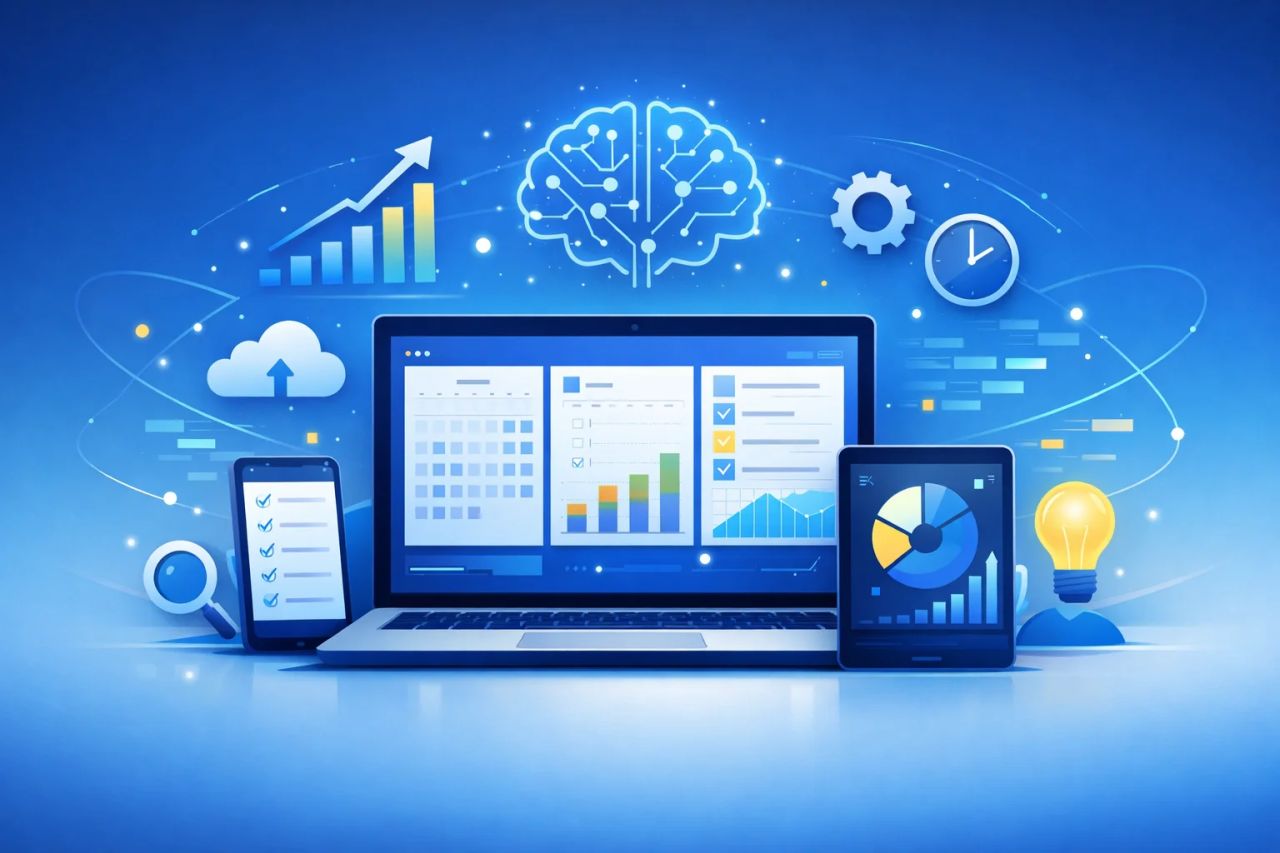
The modern workplace is experiencing a profound crisis of focus. With global employee engagement falling to historic lows, professionals are desperately seeking systems that restore order to chaotic schedules. Enter the next-generation digital planner. No longer just a static PDF on an iPad, the digital planner has evolved into a dynamic, AI-powered ecosystem designed to mitigate cognitive overload and streamline daily operations. As the market surges toward a multi-billion-dollar valuation, understanding the landscape of these productivity tools is no longer optional—it is a critical imperative for maintaining a competitive edge. This comprehensive report decodes the algorithms, analyzes the top applications, and outlines the precise strategies required to leverage digital planning in 2026.
Table of Contents
1.(#defining-the-digital-planner-in-2026)
2.(#macroeconomic-market-dynamics-and-productivity-statistics)
3.(#the-ai-revolution-agentic-workflows-and-automation)
4.(#neurodiversity-accessibility-and-cognitive-design)
5.(#comprehensive-review-the-best-digital-planners-of-2026)
6. Comparative Analysis of Core Features
7.(#step-by-step-guide-transitioning-to-digital-planning)
8.(#common-ux-failures-and-digital-planning-mistakes)
9.(#market-intelligence-semantic-seo-and-consumer-discovery)
10. Frequently Asked Questions (FAQ)
11.(#conclusion-the-future-of-digital-productivity)
Defining the Digital Planner in 2026
To establish a baseline understanding of the technological landscape, it is necessary to define the core subject matter accurately before examining its broader economic implications.
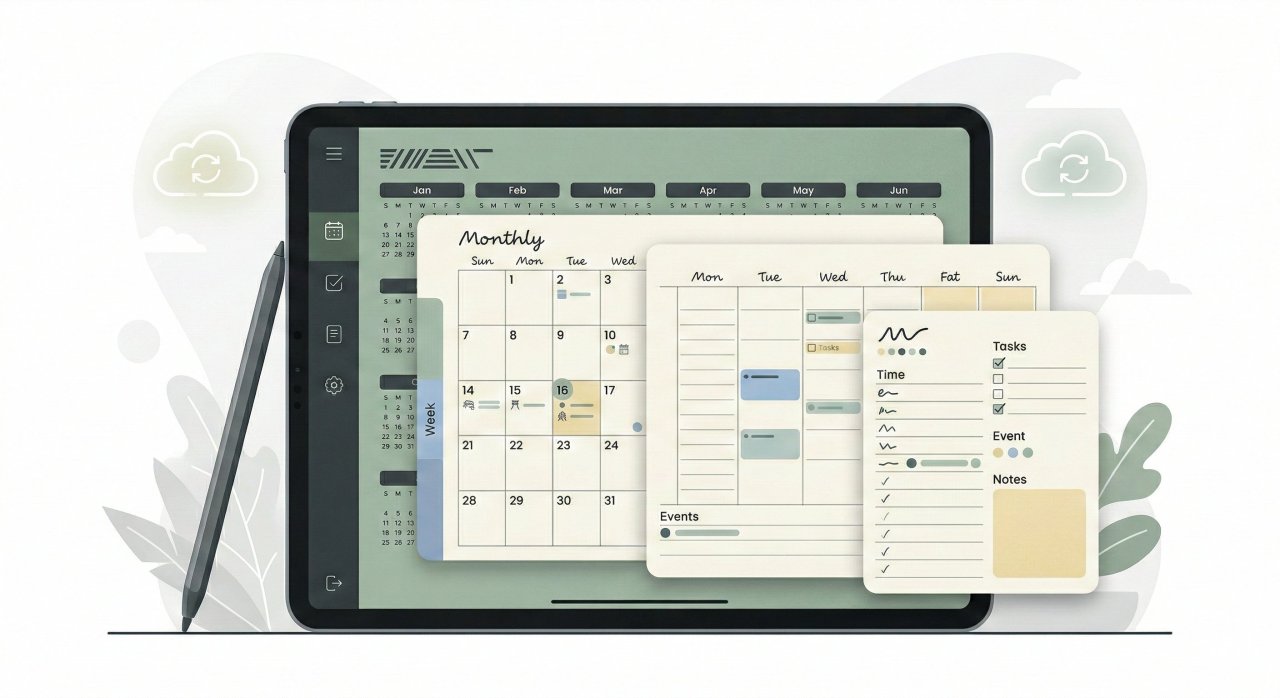
What is a digital planner? A digital planner is an interactive, electronic counterpart to a traditional paper planner. In 2026, it primarily functions as either a highly structured, hyperlinked PDF utilized within note-taking applications on tablets (such as the Apple iPad or Samsung Galaxy Tab), or as a standalone, native software application. These tools combine digital handwriting recognition, cloud synchronization, customizable time-blocking templates, and AI-driven task management algorithms to organize, track, and optimize both personal and professional workflows.
The mass migration from analog paper planning to digital ecosystems has been catalyzed by the inherent functional limitations of physical media. Common paper planner pain points include a complete lack of automatic reminders, zero real-time syncing capabilities across alternate devices, an absence of database search functionality, and rigid spatial constraints that make rescheduling complex, multi-tiered projects highly inefficient.
Conversely, the digital architecture offers infinite scalability and modularity. A single digital notebook can seamlessly house hyperlinked yearly, monthly, weekly, and daily layouts, allowing users to navigate hundreds of dense informational pages with a single stylus tap.
Macroeconomic Market Dynamics and Productivity Statistics
The global digital planner app market is currently undergoing a phase of aggressive, sustained expansion. Financial projections indicate that the sector is definitively poised to reach a valuation of $14.33 billion by the year 2033.
Regional Market Dominance
Market share is not distributed equally across the globe. North America currently dominates the infrastructure supporting these tools, holding a commanding 34.0% market share in associated digital twin and virtual representation technologies.
Following North America, both the European and Asia-Pacific markets are demonstrating significant year-over-year increases.
The Global Productivity Crisis
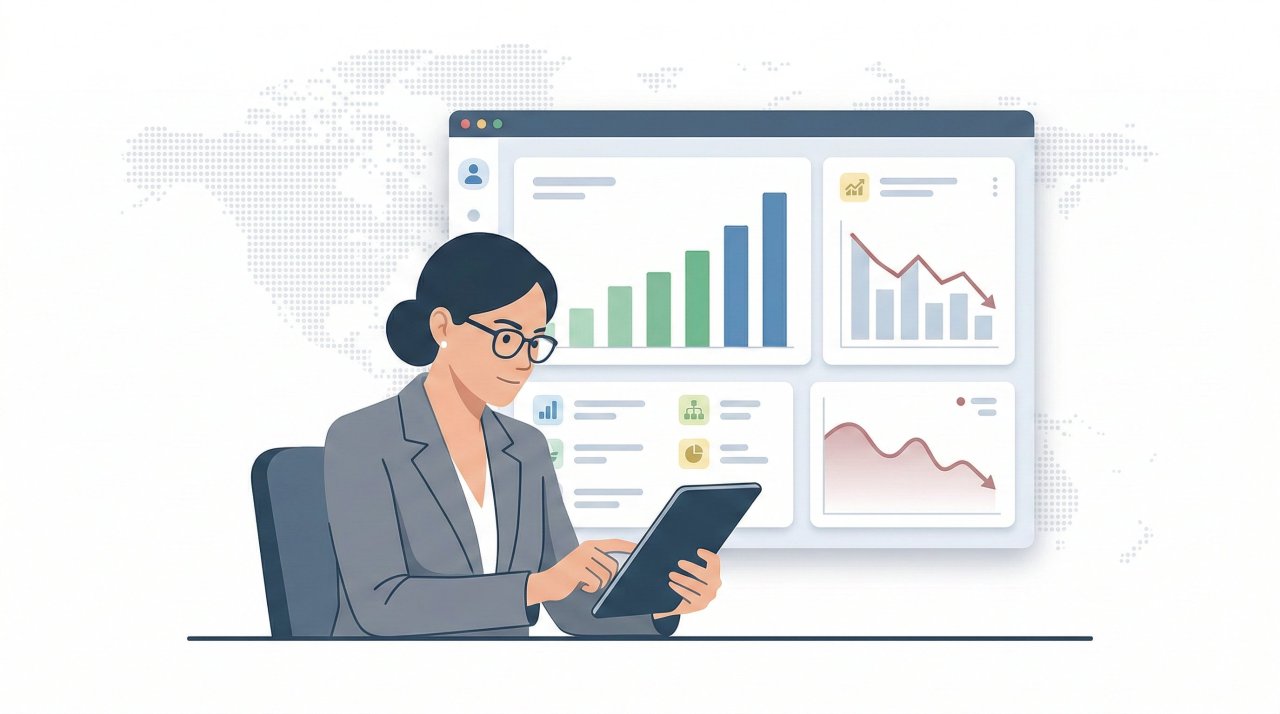
This sustained financial growth in the software sector is not occurring in a vacuum; it is a direct market response to a cascading failure in global workforce productivity and psychological engagement. Macroeconomic data from the OECD revealed that global productivity grew by a mere 0.4% in 2024.
Global active engagement in the workplace plummeted to just 21% in 2024.
The Strategic Pivot to Digital Enablement
The digital planner has subsequently emerged as a frontline defense against this productivity hemorrhage. The data clearly delineates that highly engaged teams—those utilizing optimized workflows and transparent communication tools—are 14% more productive and experience 78% less absenteeism than disengaged teams.
Consequently, enterprise leaders have radically pivoted their strategic priorities. According to the State of Digital Transformation 2026 report, enhancing employee productivity (39%) has now officially surpassed improving the customer experience (32%) as the primary driver for corporate digital transformation initiatives.
The AI Revolution: Agentic Workflows and Automation
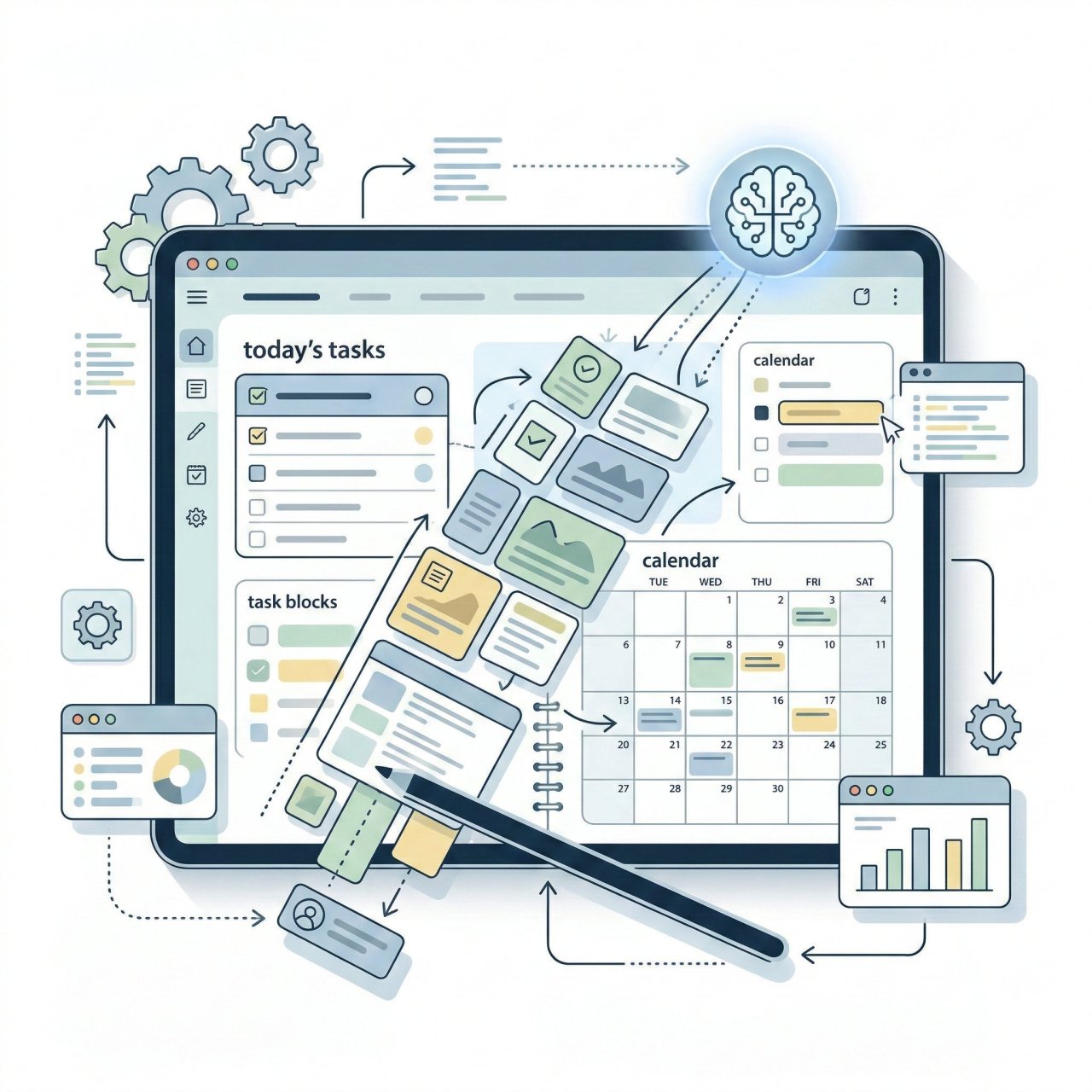
The integration of Artificial Intelligence into the digital planning ecosystem represents the most significant paradigm shift in the software's history. The application of AI within these platforms is moving rapidly from passive, conversational assistance to active, autonomous orchestration.
Transitioning to a Digital Workforce
In 2026, enterprise applications are fundamentally transitioning away from merely providing digital tools to human employees; they are now heavily accommodating a "digital workforce" composed entirely of AI agents.
To fund these advancements, 74% of surveyed businesses are now prioritizing their technology spending specifically on AI and Generative AI (GenAI)—outpacing investments in traditional data management, enterprise resource planning (ERP), and cloud platforms by nearly 20%.
The Evolution of the Workflow Engine
In the realm of personal productivity and digital planners, AI is no longer functioning merely as a chatbot interface; it has evolved into a comprehensive Workflow Engine.
Multimodal Capabilities
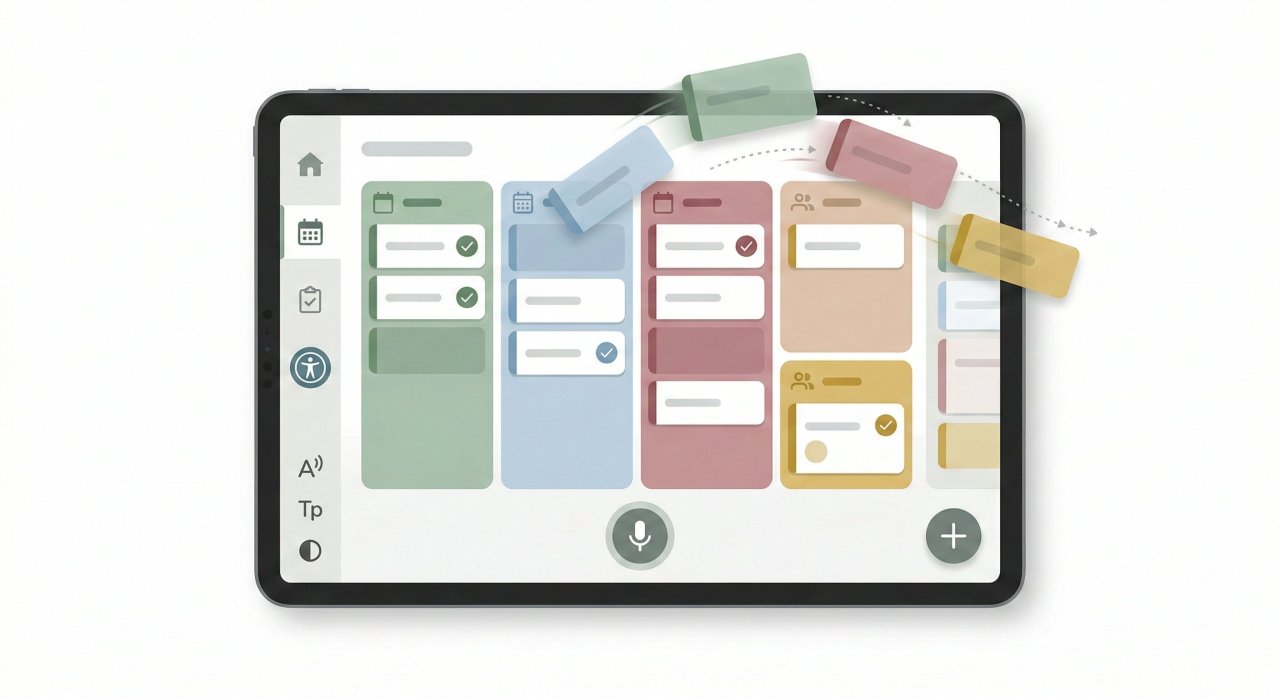
To mitigate UX friction and increase natural usability, top-tier digital planners are rapidly adopting multimodal AI capabilities.
The Danger of Cognitive Atrophy
However, the aggressive and ubiquitous implementation of GenAI within planning and productivity tools is not without severe, documented risks. Market analysts and strategic forecasting bodies issue strong warnings regarding the psychological impact of over-reliance on automated logic.
Strategic predictions from Gartner indicate a looming "surge of lazy thinking" across the global workforce.
Neurodiversity, Accessibility, and Cognitive Design
Historically, standardized productivity systems—both physical and digital—marginalized individuals with varied cognitive processing frameworks. In 2026, accessibility and neurodiversity have transitioned from niche considerations to core drivers of User Experience (UX) innovation.
Neuro-Inclusive Design Architecture
The future of software productivity is being built entirely on personalization rather than rigid standardization.
Neuro-inclusive design focuses heavily on reducing cognitive load.
The Business Imperative of Digital Accessibility
Digital accessibility is no longer viewed merely as an optional compliance checkbox or a charitable endeavor; it is a globally recognized business imperative and a potent competitive advantage, acknowledged by 89% of digital experience professionals.
Key accessibility trends currently shaping the digital planner market include:
-
AI-Assisted Remediation: Development teams are heavily utilizing artificial intelligence to scale and accelerate everyday accessibility tasks. However, human review, clear ownership, and strict privacy guardrails remain absolutely essential to ensure compliance.
-
Multimodal Output and Interfaces: As software products increasingly integrate with ambient voice interfaces, wearables, and extended reality (XR) hardware, flexible input and output options are required.
Voice and conversational interfaces have now become everyday UX standards. -
Stricter Legal Enforcement: The era of passive compliance has ended. Monitoring bodies across 25 different countries are actively enforcing stringent regulations like the European Accessibility Act, shifting the focus from mere legislative existence to active risk mitigation and severe penalty enforcement.
-
Cognitive Practicality: Accessibility is moving beyond basic screen-reader compatibility (WCAG technicalities) to practical cognitive accessibility, ensuring that language is simple, layouts are predictable, and workflows do not overwhelm the user's working memory.
Comprehensive Review: The Best Digital Planners of 2026
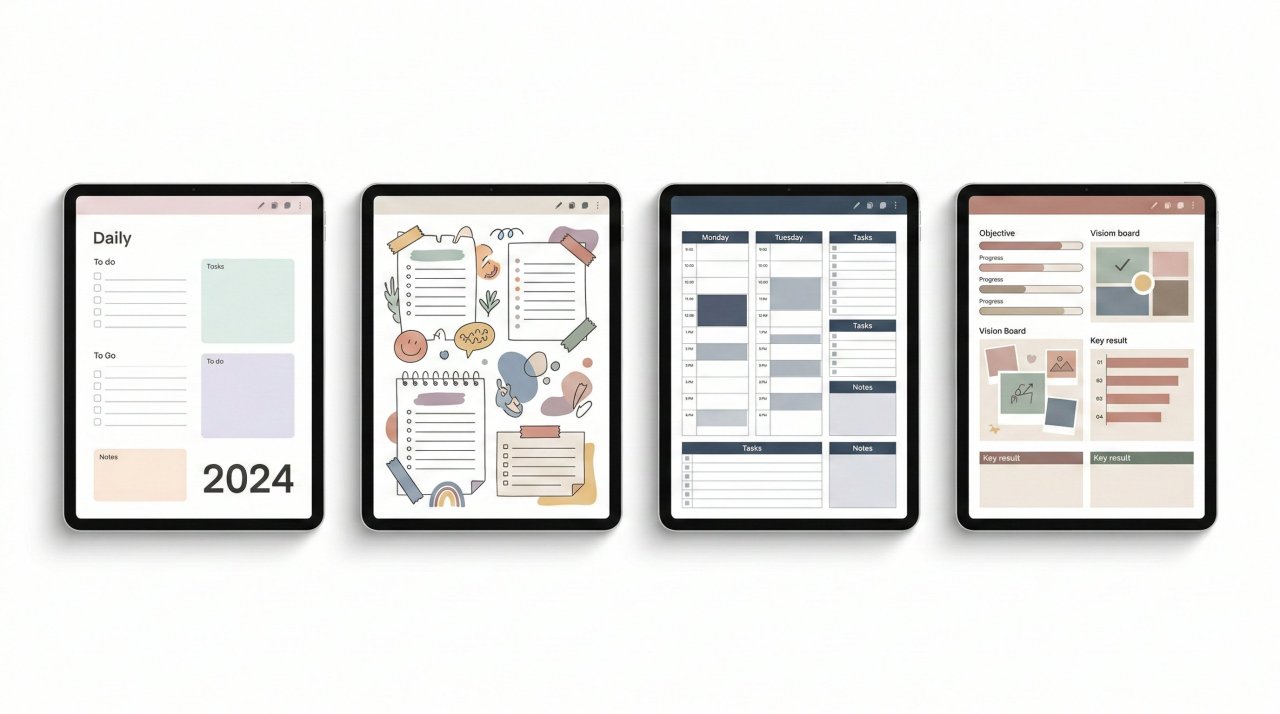
The software landscape for digital planning is highly fragmented, offering bespoke solutions tailored to distinct psychological profiles, aesthetic preferences, and strict professional requirements. The following is an exhaustive, data-backed analysis of the premier tools currently dominating the global market.
1. Ultimate Planner
Holding a near-perfect aggregate user rating (4.9 out of 5 stars), the Ultimate Planner is widely regarded across the industry as the most complete and user-friendly application available for daily structuring.
-
Core Mechanics: It features seamless, real-time backend synchronization with both Google and Apple Calendars, successfully bridging the frustrating gap between proprietary digital planning environments and standard corporate scheduling infrastructure.
-
Psychological Tools: Built-in habit trackers and mandatory end-of-day reflection prompts encourage consistent daily use and mindfulness, directly combating the engagement drop-off commonly seen in new digital workflows.
-
Performance Reliability: It boasts full offline support, ensuring that professionals traveling or operating in low-connectivity environments retain total, uninterrupted access to their critical schedules.
2. GoodNotes
For users utilizing the Apple iPad and Apple Pencil hardware ecosystem, GoodNotes (rated 4.8 out of 5) remains the undisputed industry benchmark for the natural, fluid handwriting experience.
-
Technological Edge: Its industry-leading proprietary handwriting recognition engine allows users to fluidly search through massive volumes of handwritten scribbles exactly as if they were indexed, typed text.
-
Versatile Media Integration: Users can effortlessly import custom hyperlinked PDFs, annotate them freely utilizing shape recognition and smart lasso tools, and uniquely sync live audio recordings directly to their specific handwritten strokes.
-
Market Position: While the financial price point may be slightly higher than basic digital alternatives, its incredibly robust feature set and flawless integration with Apple's silicon make it a highly valuable, long-term investment for serious planners.
3. Cyberry 2026 Digital Planner by KDigitalStudio
Designed by KDigitalStudio, the Cyberry 2026 is meticulously built for the creative-minded professional who demands total aesthetic control alongside advanced, automated functionality.
-
Flow Design Philosophy: Moving away from standard templates that merely mimic physical paper, Cyberry utilizes clean, airy layouts featuring faint grid-lines that only become visible when zooming in to write, maintaining a pristine minimalist look when zoomed out.
-
Advanced Shortcuts Integration: Its standout technological feature is its native integration with Apple Shortcuts. By physically tapping specific functional icons (e.g., a bell or a calendar icon) rendered directly on the PDF page, the user triggers an iOS-level command that instantly sets an alert in Apple Reminders or creates a time-specific event within Apple or Google Calendar.
This creates a powerful bridge between static handwriting and automated cloud scheduling. -
Unprecedented Modularity: The purchase includes "Draggable Sections"—transparent PNG files specifically formatted for GoodNotes and Noteful. These files fit perfectly into the planner's architecture without requiring any manual cropping or resizing, allowing users to build entirely custom pages using a rapid mix-and-match approach.
4. THISS Planner (Undated Minimalist)
The THISS Planner—created by an Australia-based top seller on Etsy with over 53,600 sales and 3.9k five-star reviews—appeals heavily to the sustainably minded and highly organized user.
-
Extensive Templating: Beyond standard calendar layouts, it includes incredibly comprehensive templates covering holistic lifestyle categories such as wellness (workout plans, sleep logs, mood trackers), finance (debt payoff algorithms, savings challenges), and productivity (routine planners).
-
Goal Orientation: It intentionally incorporates 10 dedicated goal planners and 10 highly detailed project planners. These frameworks force the user to break down massive macro-ambitions into immediately actionable micro-steps, complete with psychological prompts regarding the emotional importance of the goal and the eventual reward.
5. Paperlike Free Digital Planner Lite
For absolute beginners hesitant to invest immediate financial capital into digital planning, the Paperlike Free Digital Planner Lite serves as the industry's optimal, zero-risk entry point.
-
Accessibility and Distribution: Available via a simple email newsletter sign-up (joining a community of over 300,000 subscribers), the planner is delivered instantly as a universally compatible PDF.
-
Structure: It features a highly minimalist, uncluttered design that provides structured yearly, monthly, weekly, and daily pages, perfectly suited for those who find heavy UI elements distracting.
-
Ecosystem Integration: Designed to be imported seamlessly into apps like GoodNotes, Notability, or Noteshelf, it allows users to experience genuine cloud-synced, cross-device planning at absolutely zero cost.
Furthermore, the Paperlike ecosystem supports this tool with robust secondary resources, including a "15-Day Mindfulness Method" journal and comprehensive study guides.
6. The Psychological Focus: Passion Planner & Boss Personal Planner
-
Passion Planner Digital: This application focuses heavily on the vital intersection of high productivity and foundational mental wellness.
Designed to ground the user and actively combat corporate burnout, it features a proprietary "Passion Roadmap," dedicated quarterly wellness tracking, and intensive monthly reflection pages that prioritize emotional state alongside task completion. -
Boss Personal Planner: In direct contrast, the Boss planner is explicitly targeted at highly driven users who crave aggressive goal achievement and the intense satisfaction of a perfectly organized, momentum-driven schedule.
It relies heavily on strict, visual time management interfaces.
7. Creative and Niche Tools
-
AmandaRachLee Doodle Planner: Designed for the artistically inclined, this interactive PDF allows users to digitally "color in" their planner pages, utilizing "smart stickers" to blend creative mindfulness with daily scheduling.
-
The Custom Digital Planner & Dash Planner: These tools cater to users who demand hyper-specific visual customization. The Custom Digital Planner by The Planners Collective allows users to dictate the exact ring color, tab color, start day, and distinct weekly/daily template formats before the final file is even generated.
The Dash Planner offers split-screen capability for highly efficient cross-referencing and provides lifetime access updates. -
MY PA Business Planner: Designed specifically to act as a "personal assistant" for entrepreneurs, this tool features an intense preparation phase—over 60 pages dedicated solely to reviewing business strategy, branding, and financial planning before the user even reaches the first daily calendar page.
Comparative Analysis of Core Features
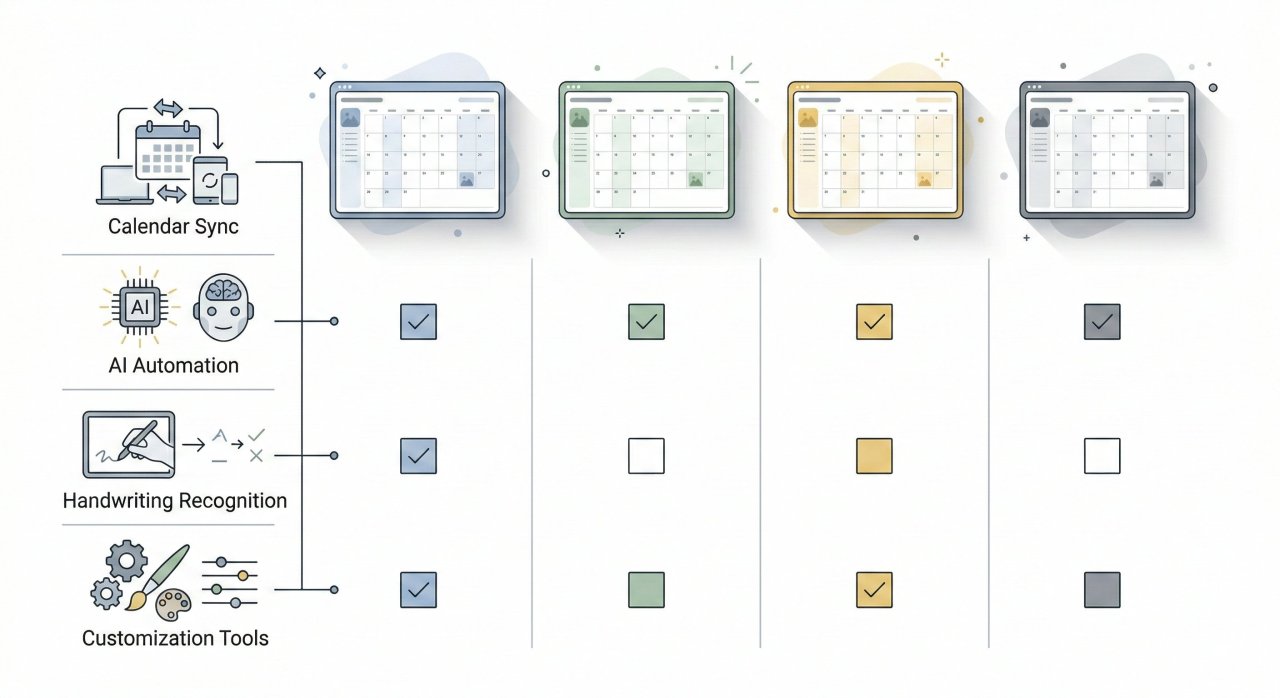
To facilitate optimal software procurement and strategic decision-making, the following table synthesizes the core technical capabilities, intended audiences, and feature integrations of the leading digital planner applications available in 2026:
Data aggregated from rigorous market reviews, technical developer specifications, and verified user feedback.
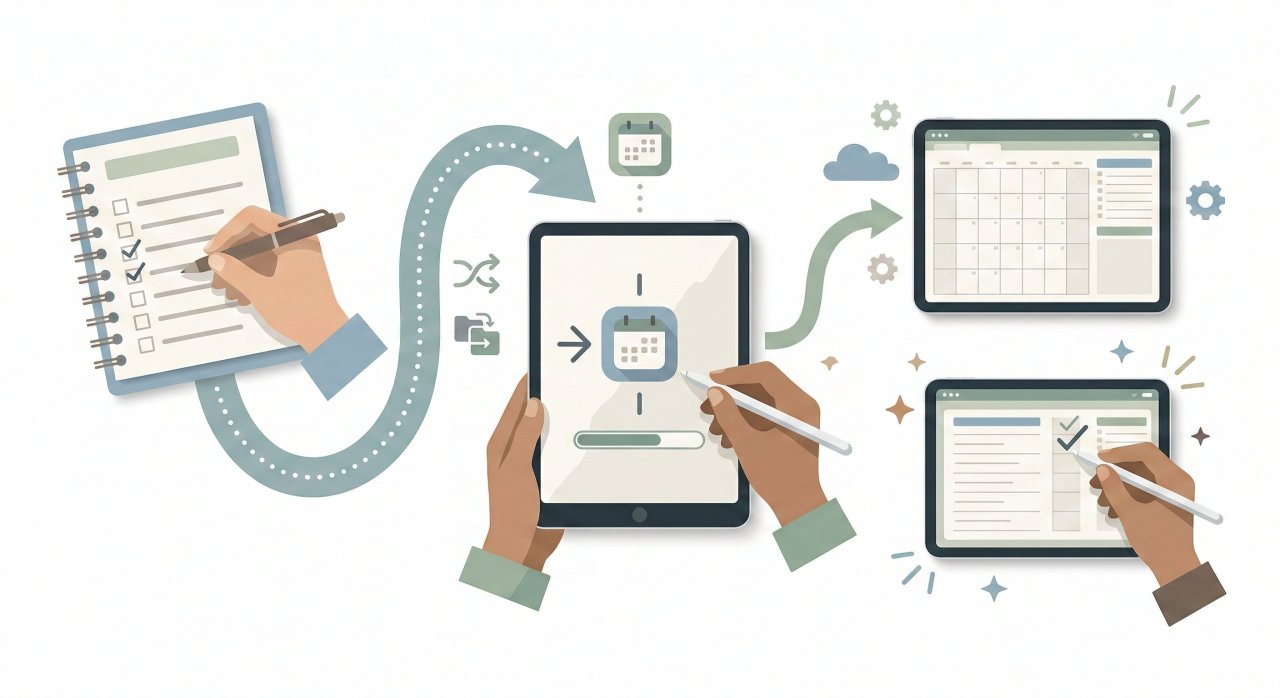
Step-by-Step Guide: Transitioning to Digital Planning
Transitioning from decades of analog physical systems to a highly optimized digital framework requires a meticulous, structured deployment strategy. Failing to approach this transition methodically is the primary cause of user churn. The following step-by-step methodology ensures minimal cognitive friction and maximum Return on Investment (ROI) for beginners in 2026.
-
Select the Appropriate Hardware Architecture: The foundational bedrock of digital planning is the device itself.
-
Apple Ecosystem: The iPad Pro, paired with the Apple Pencil, remains the undisputed industry standard for fluid annotation and minimal latency.
-
Android/Windows Platforms: Samsung Tab devices equipped with the S-Pen, or Microsoft Surface tablets, offer incredibly robust, enterprise-friendly alternatives.
-
eInk Devices: For users easily distracted by the multimedia capabilities of standard tablets, dedicated eInk devices (e.g., the reMarkable 2, Onyx Boox, or Amazon Scribe) provide a distraction-free, paper-like tactile experience perfectly suited for deep focus.
-
-
Procure the Optimal Software Application: Depending on the hardware selected in Step 1, procure a hosting application. iPad users should default heavily to GoodNotes or Notability. Android users often achieve the best results with Noteshelf, Penly, or Samsung Notes. Enterprise users deeply integrated into the Microsoft ecosystem should exclusively utilize OneNote for seamless cross-platform syncing.
-
Execute the Technical Installation: Download the chosen digital planner file (typically delivered as a heavily hyperlinked interactive PDF). Import this precise file directly into the note-taking application. Critical Step: Ensure the application's "Read-Only" or "Navigation" mode is toggled on. This allows the embedded hyperlinks to function properly, enabling instant, seamless jumping between disparate months and daily pages.
-
Invest Heavily in System Training: A catastrophic failure point is abandoning the software simply due to a lack of technical fluency. Users must dedicate deliberate time to reviewing specific application tutorials, mastering gesture controls, utilizing lasso tools, and verifying cloud synchronization setups.
-
Customize the Digital Environment: Before initiating actual daily workflow use, personalize the blank planner. Import digital stickers to create visual hierarchies, duplicate heavily used templates (such as meeting notes, project trackers, or financial logs), and manually organize the digital index tabs to reflect specific lifestyle or business categories.
-
Implement Strict Time-Blocking: Transition macro-level strategic goals into micro-level actionable tasks. Utilize the planner's daily scheduling pages to allocate specific, rigid time blocks for deep work, aggressively minimizing the temptation for multitasking and reducing ambient digital distractions.
-
Establish a Rigorous Review Cadence: Productivity requires constant maintenance. Schedule a mandatory, non-negotiable weekly review session—typically executed on Sunday evenings or Monday mornings. Use this dedicated time to reflect objectively on completed tasks, migrate unfinished business, and carefully align the upcoming week's schedule with macro-level quarterly goals.
Common UX Failures and Digital Planning Mistakes
Despite the incredibly advanced capabilities of modern software, human psychological error and poor initial implementation strategies frequently sabotage digital planning efforts. Recognizing and mitigating these pitfalls is essential for sustained productivity.
The Trap of Feature Overload
The most pervasive mistake users make during the initial transition to digital planning is attempting to utilize every single available feature simultaneously.
Inconsistency and the Lack of Strategic Reviews
A digital planner is entirely ineffective if it is not routinely consulted. Inconsistent use inevitably leads to missed professional deadlines, forgotten tasks, and a complete breakdown of trust in the organizational system.
Platform-Level UX Deficiencies
From the developer and software engineering side, User Experience (UX) failures in 2026 are heavily tied to artificial intelligence deficits. A platform that lacks robust AI-driven personalization is immediately perceived by the modern consumer as obsolete.
Market Intelligence: Semantic SEO and Consumer Discovery
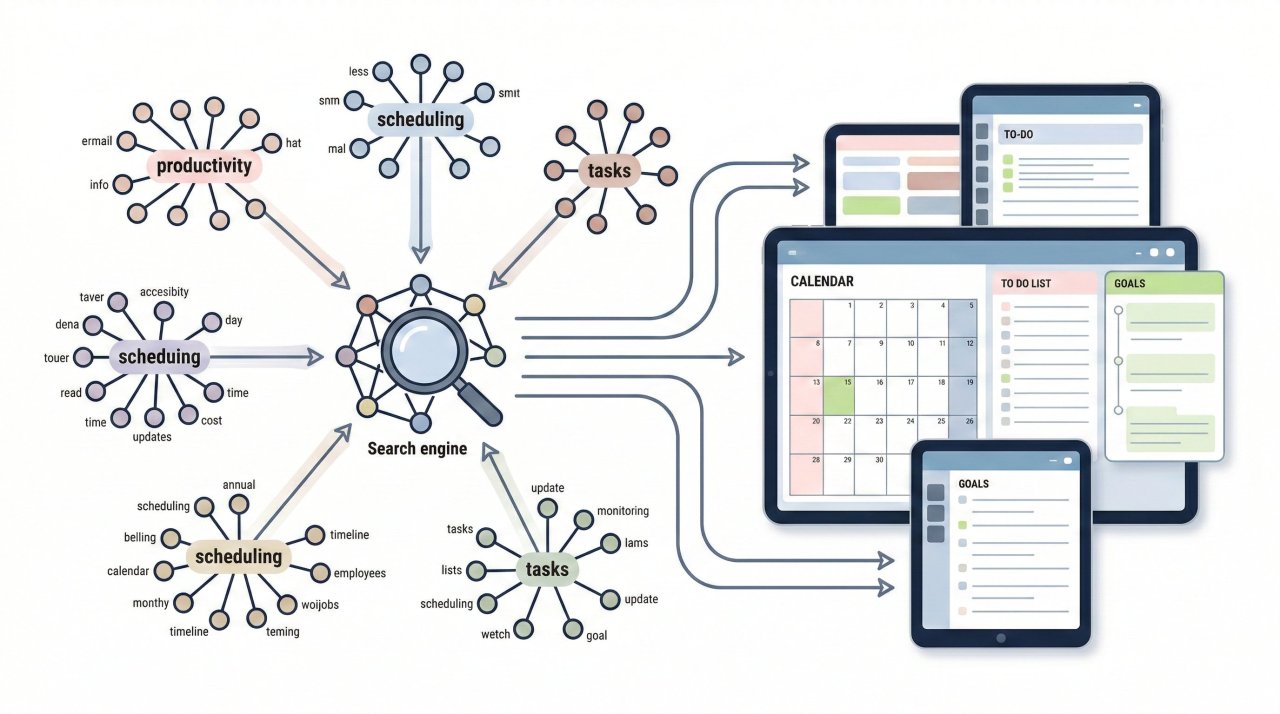
Understanding how the massive digital planner market continues to expand requires a highly technical look at exactly how users discover these tools online. In 2026, the intersection of digital productivity software and Search Engine Optimization (SEO) is governed almost entirely by semantic search architecture and artificial intelligence.
The Shift to Semantic Search
Historically, search algorithms relied on blunt, exact-match keyword stuffing. Today, the core technology has evolved into Latent Semantic Indexing (LSI) and highly advanced semantic relationships.
For example, a developer analyzing search data might see high volume for the broad keyword, but the actual conversions and software sales occur in the "long-tail" queries.
Entity-Based Linking
This highly structured semantic web directly mirrors the way modern digital planners themselves organize data. Just as search engines utilize entity-based linking to understand complex relationships between disparate concepts (brands, locations, ideas) to strengthen authority
Frequently Asked Questions (FAQ)
1. What is the best digital planner app for iPad in 2026? GoodNotes and Notability remain the premier core applications for the iPad due to their flawless Apple Pencil integration, advanced handwriting recognition engines, and fluid rendering.
2. Can a digital planner sync seamlessly with Google Calendar? Yes, but the exact technical methodology varies significantly by product. Native standalone applications like the Ultimate Planner and Todoist offer seamless, real-time backend synchronization with Google Calendar out of the box.
3. What is the fundamental difference between an undated and dated digital planner? A dated digital planner is rigidly pre-formatted with the specific days, months, and years (e.g., January 1, 2026), requiring a completely new file purchase annually.
4. How do digital planners practically assist individuals with ADHD? Digital planners actively support neurodivergent users by significantly reducing ambient cognitive load and mitigating executive dysfunction. Specific features such as highly visual 3D layouts, intuitive color-coded prioritization, "floating tasks" (which prevent the paralyzing anxiety of "failed" overdue tasks by rolling them over), and seamless asynchronous reminders create a flexible, highly forgiving framework.
5. Are free digital planners actually effective for absolute beginners? Absolutely. Free software tools, such as the Paperlike Free Digital Planner Lite, offer an entirely risk-free entry point into the complex world of digital organization.
The Future of Digital Productivity
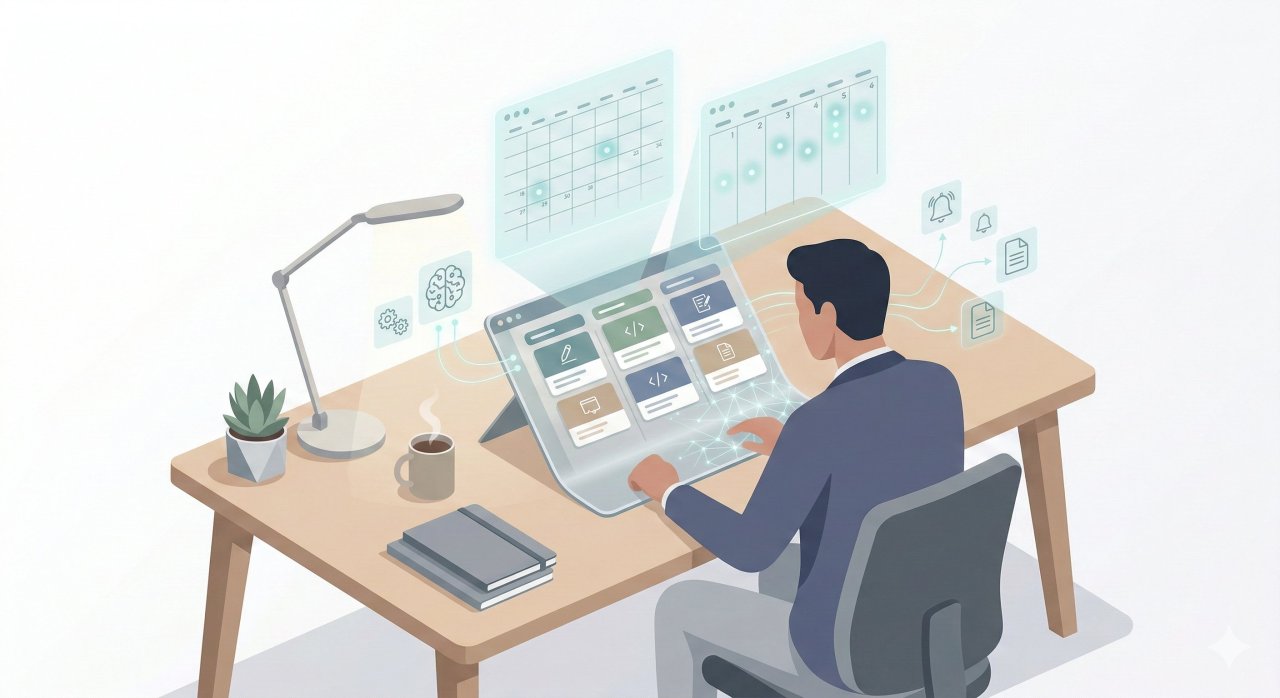
The digital planner has definitively transcended its humble origins as a simple organizational novelty, maturing rapidly into a critical, non-negotiable infrastructure component for the modern knowledge worker. As we navigate the complexities of 2026, the synthesis of advanced artificial intelligence, neuro-inclusive design architecture, and highly structured semantic data organization is creating software tools that not only passively record our schedules but actively, dynamically optimize our cognitive output.
While the aggressive integration of autonomous agentic AI presents distinct psychological challenges regarding critical thinking atrophy, the overarching macroeconomic data remains undeniable: leveraging these advanced digital ecosystems is absolutely essential to reversing the trillions of dollars lost globally to workforce disengagement.
Don't let another business quarter succumb to scheduling chaos and cognitive overload. Evaluate your current hardware capabilities, download a foundational template like the Free Digital Planner Lite to test the friction points, and begin the methodical process of reclaiming your most valuable asset: your time. Start your digital planning transition today, and architect a vastly more productive, highly engaged tomorrow.