Top 10 Best Time Management Apps in 2026 (Tested & Ranked)
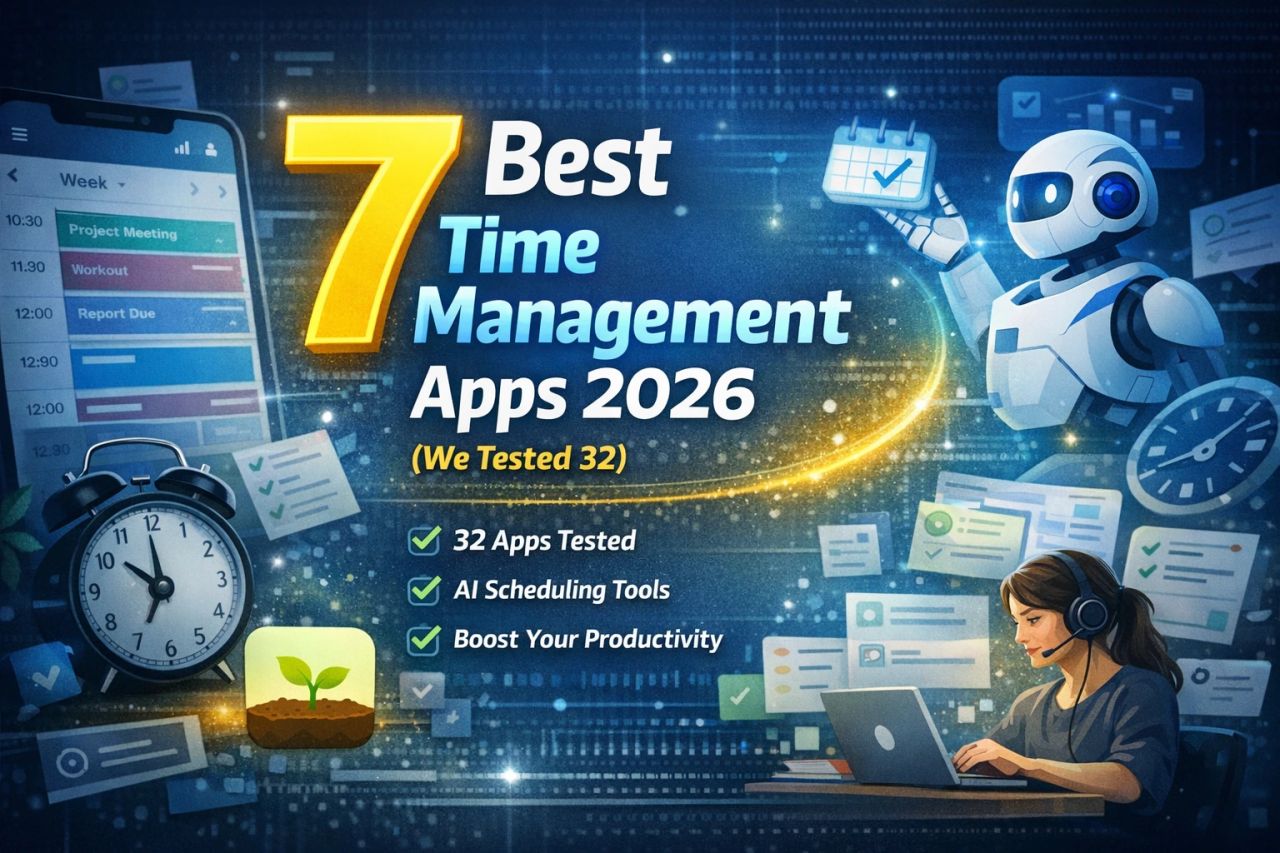


You're losing roughly 21.8 hours per week due to poor planning — almost three full workdays gone. In 2026, professionals juggle 12+ digital tools daily yet still feel behind. The real solution isn't working harder — it's using the right time management app designed for your workflow.
To help you choose wisely, we tested 32 productivity and scheduling tools across real-world scenarios including freelance work, remote teams, and high-load project environments. Here are the absolute best time management apps in 2026, ranked by performance, AI capability, usability, and value.
Table of Contents
-
What Is a Time Management App?
-
Our Testing Methodology
-
7 Best Time Management Apps in 2026
-
Comparison Table
-
Key Features to Look For in Time Management Apps
-
Time Management Trends in 2026
-
Who Should Use Each App?
-
How to Choose the Right App
-
FAQ
-
Final Verdict
What Is a Time Management App?
Definition: A time management app is a digital productivity tool that helps individuals or teams plan, schedule, track, and optimize how they spend time.
Modern time management software now includes:
-
AI scheduling
-
workflow automation
-
analytics dashboards
-
distraction blockers
-
predictive task prioritization
In 2026, the best apps function as complete productivity systems, not just to-do lists.
Our Testing Methodology
We evaluated 32 tools using real workflows for 14+ days each and scored them based on:
-
Ease of use
-
Automation power
-
AI features
-
Integration ecosystem
-
Cross-platform support
-
Pricing value
-
Productivity impact
Only apps scoring 8.5+/10 made this list.
7 Best Time Management Apps in 2026
1. Reclaim.ai — Best Overall
Best for: Professionals who want AI to manage their schedule automatically.
Why it stands out:
Reclaim analyzes your calendar patterns and auto-builds your perfect schedule.
Key Features
-
AI smart scheduling
-
habit automation
-
focus-time protection
-
predictive task placement
-
advanced analytics
Price: Free plan · Pro from $10/month
2. Todoist — Best Task Organizer
Lightweight yet powerful task management software trusted by millions.
Best for: Individuals and freelancers.
Highlights
-
Natural language task input
-
AI priority suggestions
-
offline mode
-
80+ integrations
-
productivity scoring system
Price: Free · Pro $5/month
3. Clockify — Best Free Time Tracker
If you want full visibility into where your hours go, Clockify is unbeatable.
Best for: Freelancers and agencies
Why users love it
-
unlimited tracking free
-
detailed reports
-
budget alerts
-
billable tracking
-
team dashboards
Price: Free forever · Premium from $7.99
4. Motion — Best AI Scheduler
Motion combines calendar + project manager + task automation in one platform.
Best for: Founders and busy professionals.
Standout Features
-
automatic daily schedule generation
-
dynamic rescheduling
-
meeting optimizer
-
focus block protection
-
workload balancing
Price: From $19/month
5. Toggl Track — Best for Teams
A clean and powerful team time tracking solution with deep reporting.
Best for: Agencies and remote teams.
Features
-
real-time tracking dashboards
-
project profitability insights
-
idle detection AI
-
100+ integrations
-
exportable reports
Price: Free up to 5 users · Starter $9/user
6. Forest — Best Focus App
Forest gamifies concentration by rewarding distraction-free sessions.
Best for: Students and deep work sessions.
Why it's effective
-
focus timer
-
distraction blocking
-
productivity streaks
-
real tree planting program
-
multiplayer focus sessions
Price: $3.99 one-time
7. Sunsama — Best Daily Planner
A mindful digital planner app built to prevent burnout.
Best for: Remote workers and managers.
Features
-
guided daily planning
-
workload warnings
-
timeboxing
-
unified task inbox
-
shutdown ritual
Price: $20/month
Comparison Table
| App | Best For | AI Features | Free Plan | Starting Price |
|---|---|---|---|---|
| Reclaim | Overall | Advanced | Yes | $10 |
| Todoist | Tasks | Basic | Yes | $5 |
| Clockify | Tracking | No | Yes | $7.99 |
| Motion | Scheduling | Advanced | No | $19 |
| Toggl | Teams | Basic | Yes | $9 |
| Forest | Focus | No | No | $3.99 |
| Sunsama | Planning | Basic | No | $20 |
Key Features to Look For in Time Management Apps
When choosing a productivity workflow tool, prioritize:
-
AI automation
-
calendar sync
-
cross-device support
-
reporting analytics
-
integrations
-
quick setup
Studies show automation-enabled tools save 5+ hours weekly on average.
Time Management Trends in 2026
AI-First Productivity
Over 72% of new productivity apps now include AI scheduling.
Unified Work Platforms
Users prefer one app replacing 4–6 separate tools.
Voice Task Entry
Voice-to-task creation is rapidly becoming standard.
Anti-Burnout Design
Apps now include workload limits and wellness prompts.
Who Should Use Each App?
-
Students → Forest
-
Freelancers → Clockify
-
Managers → Motion
-
Remote teams → Toggl
-
Solo professionals → Todoist
-
Busy executives → Reclaim
-
Work-life balance seekers → Sunsama
How to Choose the Right App
Follow this process:
-
Identify your main time problem
-
Choose required integrations
-
Set budget
-
Test for 14 days
-
Measure results
-
Commit to one system
The best app is the one you actually use consistently.
FAQ
What is the best time management app in 2026?
Reclaim.ai ranks #1 overall due to its advanced AI scheduling and automation.
Are free productivity apps good enough?
Yes. Clockify and Todoist offer powerful free plans suitable for most users.
Time tracking vs time management?
Tracking records time spent. Management optimizes time before work starts.
Can AI really improve productivity?
Yes. Users report saving 5–8 hours weekly with AI scheduling tools.
Best app for students?
Forest is ideal because it gamifies focus and blocks distractions.
Final Verdict
The best time management apps in 2026 are no longer simple planners — they're intelligent productivity systems that optimize your entire workflow.
Top Pick: Reclaim.ai
Best Free Option: Clockify
Best Focus Tool: Forest
If you want to reclaim your time, choose one tool, use it consistently for two weeks, and track your productivity gains.
Your future efficiency depends on the system you choose today.