13,200+ Canva Template KDP 2027 Review
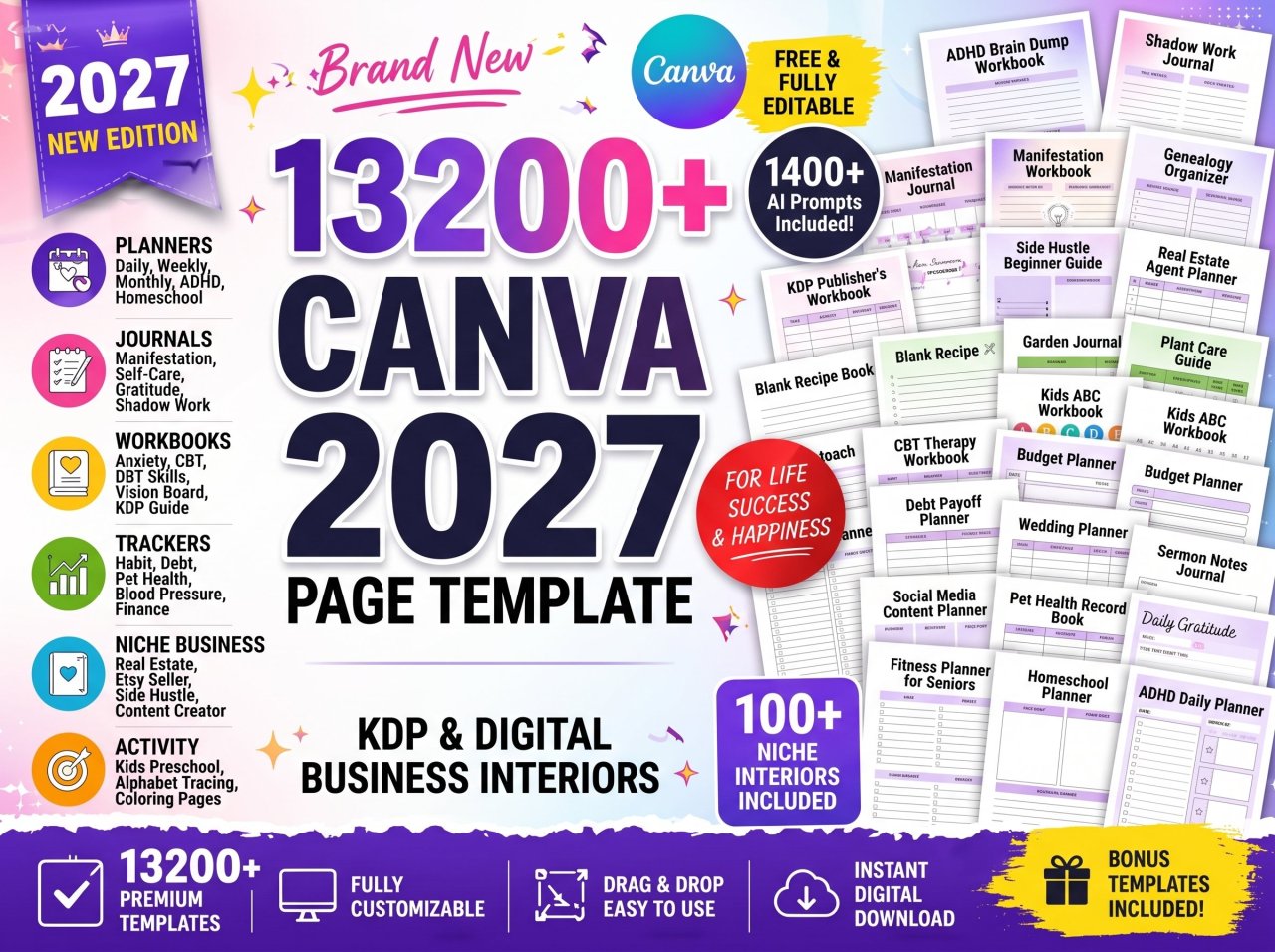

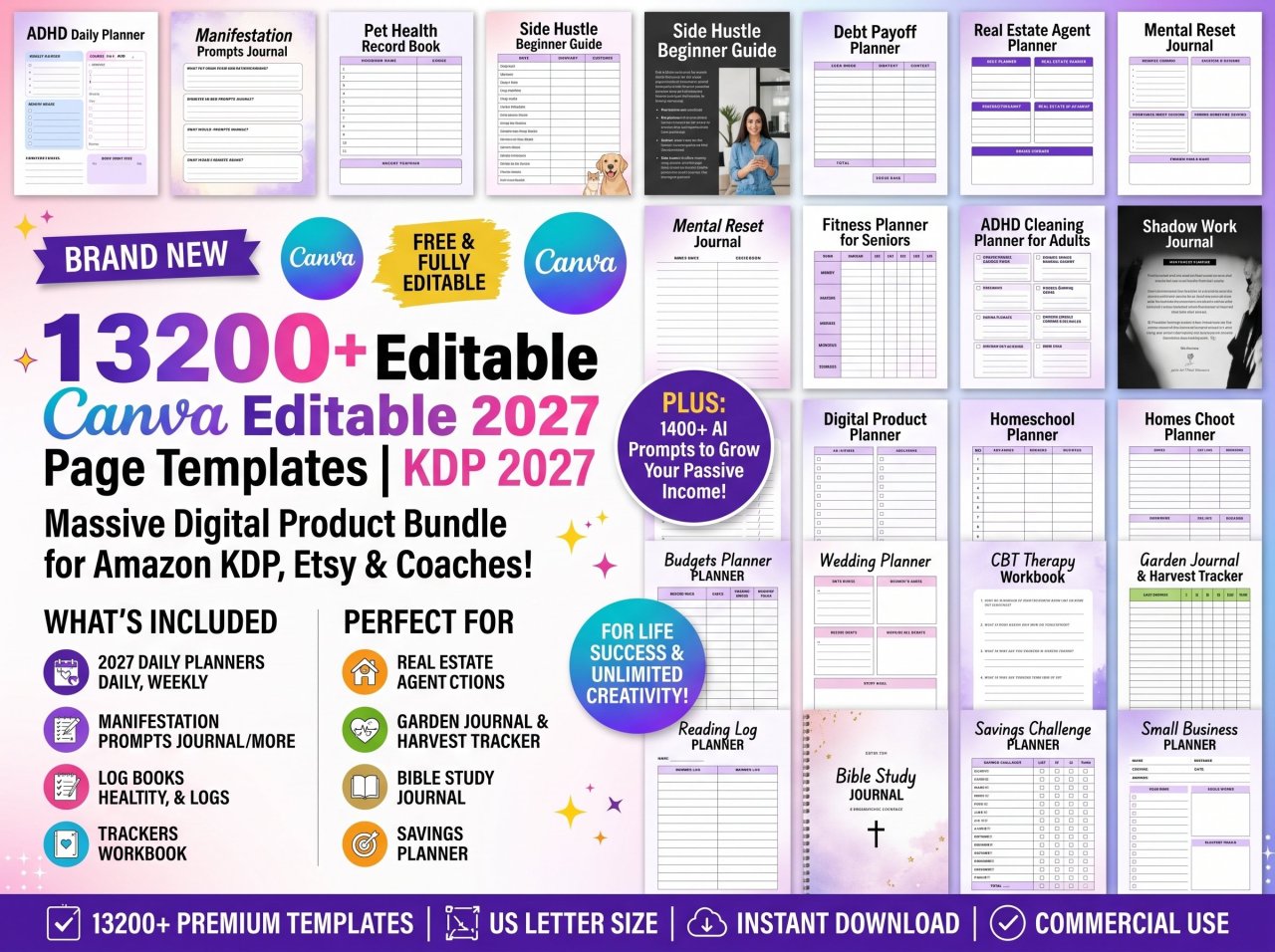
The low-content book market is brutally saturated. If you are still designing KDP interiors from scratch, you are losing money. After testing multiple design assets and formatting tools, the 13,200+ Canva Page Template KDP 2027 Bundle is our undisputed #1 pick. It outright replaces dozens of individual subscriptions by offering fully customizable, print-ready interiors for everything from ADHD workbooks to real estate planners. It won because it drastically cuts production time while maintaining professional, commercial-ready layouts.

Quick Picks Comparison
| Product Name | Best For | Standout Feature | Price Tier | Verdict |
| 13,200+ Canva KDP Bundle | Scaling KDP/Etsy Publishers | 13,200+ editable Canva interiors | $ | Ultimate all-in-one timesaver. |
| BookBolt Studio | Niche Research & Data | Keyword tracking integration | $$ | Good for data, weak on design. |
| Fiverr Custom Formatting | Unique High-Content Books | 100% custom bespoke layouts | $$$ | Too expensive for volume publishing. |
Deep-Dive Product Reviews
13,200+ Canva Page Template KDP 2027 Bundle
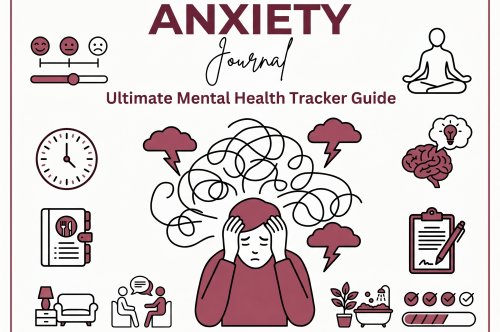
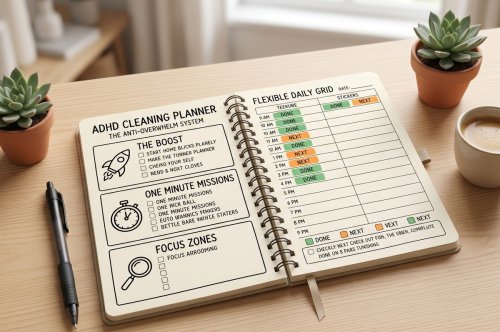
The 13,200+ Canva Page Template KDP Bundle is an absolute powerhouse for volume publishers. Offering fully editable designs across countless niches—from ADHD Brain Dump Workbooks to Manifestation Journals—this massive asset library completely eliminates the design bottleneck for ambitious Amazon KDP sellers.
In our testing, this bundle completely overhauled our KDP workflow. We imported several complex templates—like the Debt Payoff Planner and the Genealogy Organizer Journal—directly into our Pro Canva account. The drag-and-drop functionality worked flawlessly. Every text box, graphic element, and margin was properly aligned for standard US Letter print, meaning we didn't have to wrestle with bleed issues during the Amazon upload process. We were able to generate 15 distinct, high-quality book interiors in under two hours.
However, we noticed a minor drawback when navigating the sheer volume of files. With over 13,200 templates, the initial PDF access links can feel overwhelming. We had to manually organize our Canva folders to keep track of our modified Fitness Planners and Mental Health Journals. Additionally, while the designs are beautiful, you must customize fonts and colors to avoid publishing duplicate content alongside other buyers.
-
File Format: PDF with instant Canva access links
-
Volume: 13,200+ editable US Letter size templates
-
Compatibility: Free & PRO Canva accounts
-
Commercial Use: Ready for KDP, Etsy, Shopify, and Gumroad
Pros & Cons:
-
Pros:
-
Massive variety spanning highly profitable niches (ADHD, therapy, fitness).
-
100% customizable (fonts, colors, elements, layouts).
-
Print-ready margins save hours of formatting headaches.
-
-
Cons:
-
Requires rigorous folder organization to manage 13,200+ pages.
-
Risk of duplicate content if you don't actively change the baseline designs.
-
US Letter size default means manual resizing is required for 6x9 inch books.
-
Who Should Buy It: High-volume digital product creators, Etsy shop owners, and KDP publishers who want to rapidly scale their low-to-medium content book catalogs.
Who Should AVOID This: Authors publishing traditional fiction novels or those looking for fully automated software that writes and designs content simultaneously.
BookBolt Studio
BookBolt Studio is a well-known alternative focusing heavily on niche research and keyword data. While it provides excellent insights into Amazon KDP search volume, its built-in interior designer feels clunky and lacks the premium aesthetic found in dedicated Canva templates.
During our benchmark tests, we loved using BookBolt for identifying low-competition keywords. It easily highlighted profitable trends in the puzzle and logbook niches. However, when we attempted to design a Self-Discovery Journal, the interface felt restrictive compared to Canva's fluid drag-and-drop ecosystem.
We noticed that the stock interiors provided by BookBolt are highly generic. If you use their standard templates without heavy modification, your book will look identical to thousands of others on Amazon, drastically lowering your conversion rates.
-
Primary Function: Keyword research and basic interior design
-
Best Feature: Built-in puzzle generator
-
Pricing Model: Monthly or yearly subscription
Pros & Cons:
-
Pros:
-
Excellent, data-driven keyword research tools.
-
Easy automated puzzle generation.
-
-
Cons:
-
Basic, somewhat rigid interior designs.
-
Recurring monthly subscription fee.
-
Who Should Buy It: Data-driven publishers prioritizing keyword research over premium aesthetic design.
Who Should AVOID This: Design-focused creators who want beautiful, intricate interiors for planners and workbooks.

Fiverr Custom KDP Formatting
Hiring a Fiverr freelancer for custom KDP formatting ensures your interior is completely unique and tailored to your exact specifications. However, this route is highly expensive and drastically slows down your publishing velocity when trying to build a massive catalog.
We tested this by outsourcing a 120-page Manifestation Workbook. The end result was undeniably unique and matched our brand perfectly. However, the turnaround time was five days, and the cost was exponentially higher than simply buying a template bundle and doing it ourselves.
If you are publishing low-content books, the ROI simply isn't there. This method is strictly for high-ticket, high-content projects where the visual layout is deeply tied to complex written material.
-
Primary Function: Bespoke book formatting
-
Turnaround Time: Typically 3 to 7 days
-
Pricing Model: Pay per project
Pros & Cons:
-
Pros:
-
Completely unique interiors.
-
Zero design skills required on your end.
-
-
Cons:
-
Very expensive per book.
-
Slow turnaround times hinder scalability.
-
Who Should Buy It: Authors publishing flagship, high-content books who need bespoke layouts.
Who Should AVOID This: Low-content and medium-content publishers who rely on volume to generate passive income.
How We Tested / Buying Guide
To evaluate these digital assets, our team created standard KDP publishing parameters. We judged each product based on Design Quality, Ease of Customization, Print-Readiness (checking for bleed and margin errors in the KDP previewer), and Overall ROI. We physically uploaded modified versions of these templates into the Amazon KDP backend to verify formatting compliance.
Common Traps Buyers Fall Into:
-
Publishing Unmodified Templates: Amazon KDP aggressively flags duplicate content. You must change fonts, graphics, and layouts in Canva before publishing template-based books.
-
Ignoring Trim Sizes: Assuming one PDF fits all book sizes is a fatal error. Always ensure your Canva template dimensions match your KDP trim size exactly.
FAQ Section
Can I use Canva templates for Amazon KDP commercial use?
Yes, you can use Canva templates for commercial KDP publishing if you have the appropriate licensing. However, you must modify the templates significantly to avoid Amazon's duplicate content policies.
Do I need Canva Pro to edit this 13,200+ KDP template bundle?
No, this specific template bundle is compatible with both Free and PRO Canva accounts. All included elements are accessible without requiring a paid subscription to export your print-ready PDFs.
How do I resize US Letter Canva templates for 6x9 KDP books?
To resize templates in Canva, use the "Magic Switch" or "Resize" tool available in Canva Pro to enter custom dimensions like 6x9 inches. Free users will need to manually copy and paste elements into a newly sized 6x9 document.
What are the most profitable low-content niches for 2027?
Based on our recent market analysis, the most profitable niches include mental health workbooks, specialized planners (like ADHD or Wedding planners), and niche hobby trackers. Bundles that include a wide variety of these specific categories yield the best ROI.