6 Ultimate Free Digital Planner Downloads for 2026
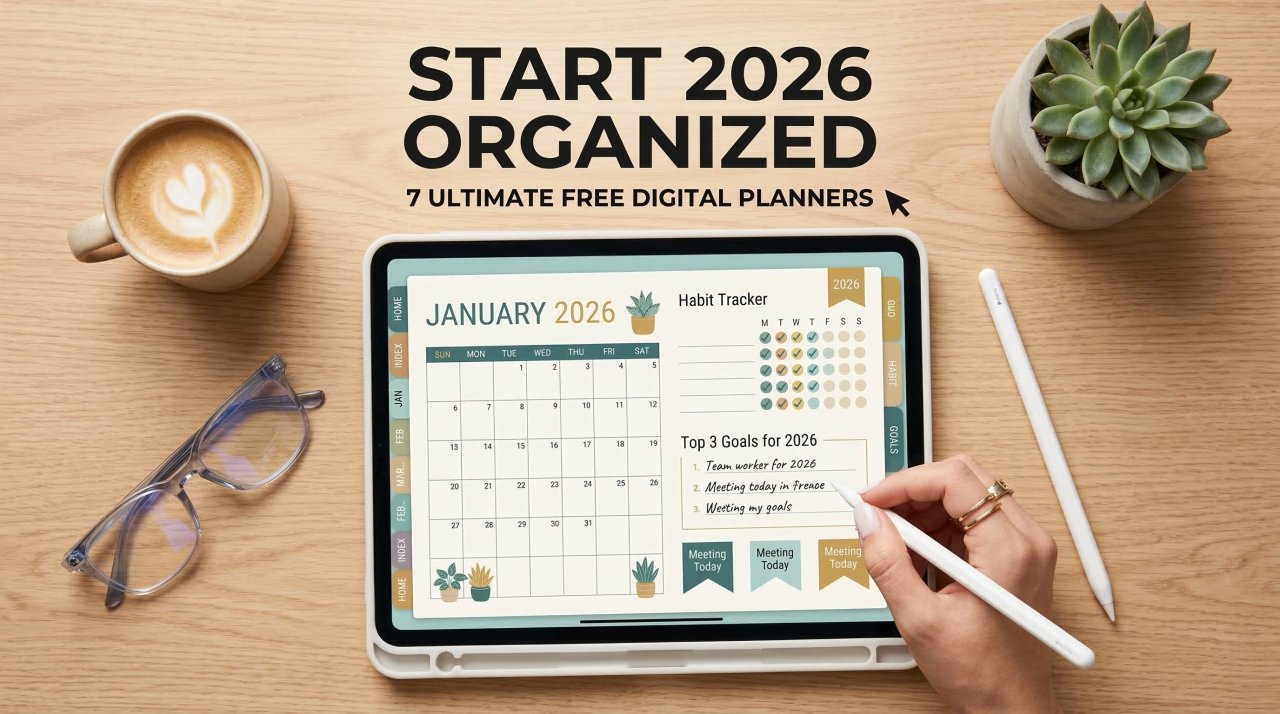


Are you tired of carrying heavy paper notebooks? In 2026, the shift toward paperless organization is stronger than ever. Over 68% of professionals and students have switched to tablet-based scheduling to boost their daily efficiency. Finding the right system doesn't have to cost a fortune. A free digital planner gives you the exact same benefits as expensive premium versions—without the price tag. Whether you use an iPad with GoodNotes or an Android tablet with Penly, there is a perfect hyperlinked template waiting for you. Ready to transform your workflow? Let’s explore the top options to organize your life, hit your goals, and reclaim your time this year.
Table of Contents
What is a Digital Planner?
Definition: A digital planner is an interactive PDF file designed to mimic a traditional paper planner on a tablet or smartphone. It features hyperlinked tabs that allow users to jump easily between months, weeks, and daily schedule pages using a stylus or touchscreen.
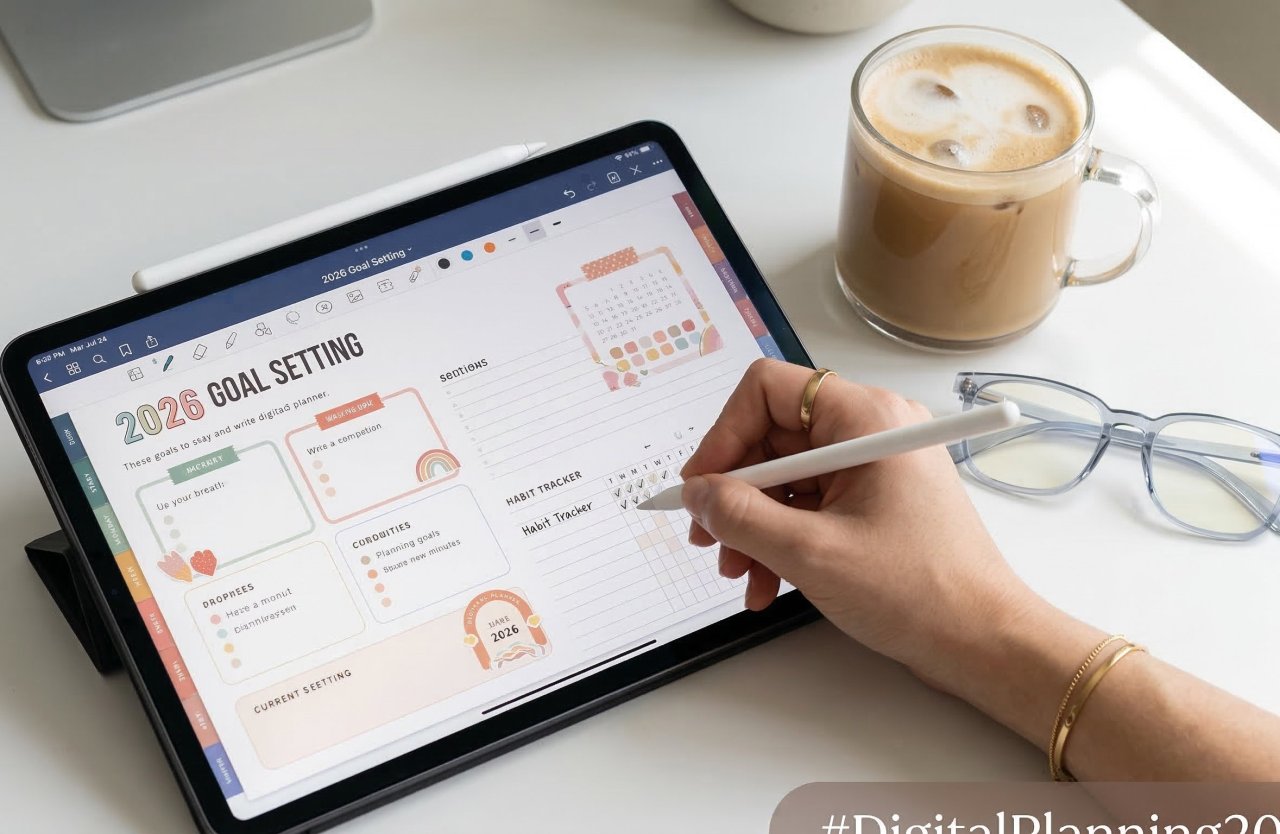
Why Switch to Digital Planning in 2026?
The productivity landscape has evolved. Using an iPad planner or Android equivalent offers distinct advantages over traditional paper methods:
-
Eco-Friendly Organization: Zero paper waste aligns perfectly with 2026 sustainability standards.
-
Infinite Customization: You can effortlessly duplicate pages, import digital stickers, and erase mistakes without ruining the page.
-
Cloud Syncing: Access your digital journal and schedules across your phone, tablet, and laptop seamlessly.
-
Cost-Effective: Starting with a free digital planner means zero upfront investment while maximizing your productivity.
How to Start Using a Free Digital Planner
Getting started with paperless planning is incredibly simple. Follow this step-by-step guide to set up your new system:
-
Download a hyperlinked PDF: Find a free digital planner file that fits your exact lifestyle needs, such as a daily schedule or a fitness tracker.
-
Save to your device: Download the file directly to your tablet's local storage or a cloud service like Google Drive or iCloud.
-
Import into an annotation app: Open your preferred note-taking application and import the downloaded PDF file into your library.
-
Activate "Read Only" mode: Turn off your pen tool to activate the hyperlinks. Click the side tabs to navigate smoothly through the months and weeks.
-
Start writing: Switch back to the pen or text tool to begin writing your daily tasks, setting goals, and tracking habits.
Top Note-Taking App Comparison
To use a PDF planner, you need a reliable PDF annotation app. Here is a comparison of the top choices for 2026:
| App Name | Operating System | Best Feature | Price Model |
| GoodNotes 6 | iOS / iPadOS | Advanced handwriting recognition | Free tier / One-time / Subscription |
| Notability | iOS / iPadOS | Audio recording synced to notes | Free tier / Subscription |
| Penly | Android | Built-in digital sticker planner | One-time purchase |
| Xodo | iOS / Android / Web | Cross-platform cloud syncing | Free tier / Premium |
Essential Features to Look For
When searching for the perfect free digital planner, ensure the template includes these core elements:
Fully Hyperlinked Tabs
Without working hyperlinks, navigating a 400-page PDF is frustrating. Ensure your download features clickable monthly tabs and index pages.
Minimalist Layouts
A cluttered page causes visual overwhelm. Look for clean, open spaces that leave room for your handwriting, digital washi tape, and customized widgets.
Comprehensive Trackers
The best templates go beyond basic calendars. Seek out planners that include integrated habit trackers, budget logs, and daily wellness check-ins.
Frequently Asked Questions (FAQ)
1. Are digital planners completely free?
Yes, many creators offer completely free, fully functional digital planners to build their audience. These usually come as a hyperlinked PDF and include daily, weekly, and monthly layouts without hidden fees.
2. What is the best app for a free digital planner?
For iPad users, GoodNotes and Notability remain the top choices in 2026. For Android users, Penly and Samsung Notes offer the best performance for handling hyperlinked planner files.
3. Can I use a digital planner on my phone?
Yes. While tablets offer the best writing experience, most note-taking apps sync to your smartphone. You can easily view your schedule, type quick updates, or check off grocery lists directly from your mobile device.
4. Do I need an Apple Pencil to use a digital planner?
No, a smart stylus is not mandatory. You can use any generic capacitive stylus, or simply use the text-box tool in your app to type out your schedule using your tablet's keyboard.
5. How do I add stickers to my free digital planner?
You can import PNG image files directly into your annotation app. Simply drag and drop the image onto your planner page, resize it, and place it anywhere to customize your layout.
Upgrading your productivity system doesn't require an expensive investment. By downloading a free digital planner, you can instantly access hyperlinked organization, customize your daily schedule, and keep your life perfectly synced across all your devices. The paperless revolution of 2026 makes it easier than ever to hit your goals efficiently.
Ready to get organized? Check your tablet's app store, download your preferred annotation app, and import your first free digital planner today!